Five codecs decide how almost every video and song reaches your screen. Here is which one to use, when, and how to actually play them on Windows.
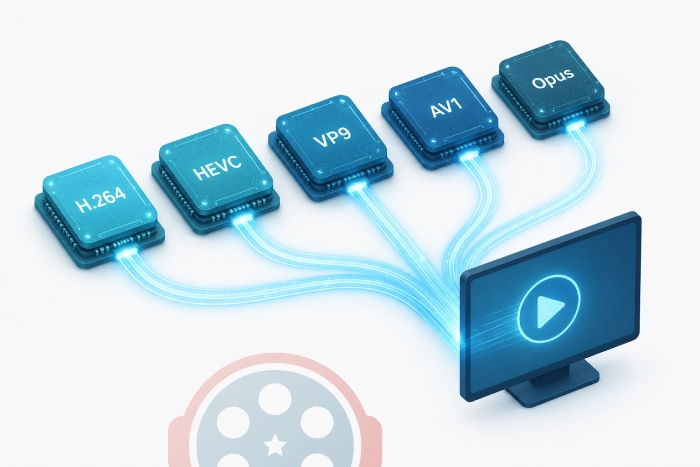
For playing anything you download or stream, install one codec bundle and forget the rest. The K-Lite Codec Pack or standalone LAV Filters decode H.264, HEVC, VP9, AV1, and Opus in one go.
For choosing a codec to encode with: H.264 for maximum compatibility, HEVC or AV1 for 4K and smaller files, Opus for audio. The rest of this guide explains why.
The five codecs that actually matter in 2026
A codec is just the math that shrinks video or audio down to a streamable size, then rebuilds it on playback.
Hundreds exist. In practice, five carry the modern internet.
Here is the fast comparison, then the detail on each.
| Codec | Type | Best at | Licensing |
|---|---|---|---|
| H.264 / AVC | Video | Plays everywhere | Royalty (mature) |
| H.265 / HEVC | Video | 4K at small sizes | Royalty (complex) |
| VP9 | Video | YouTube, browsers | Royalty-free |
| AV1 | Video | Best compression | Royalty-free |
| Opus | Audio | Voice and music | Royalty-free |
H.264 / AVC: the one that plays everywhere
H.264 has been the default video codec since 2003, and it has never really left. Also called AVC (Advanced Video Coding), it is the format your phone records in and the one most live streams still use.
Its superpower is not quality or efficiency. It is reach. Effectively every device, browser, and player made in the last 15 years can decode H.264 in hardware, which means smooth playback with almost no battery cost.
Use it when: you need a file or stream to "just work" on unknown devices - social uploads, video calls, anything going to a broad audience.
The trade-off: files are larger than newer codecs at the same quality. For 4K and 8K, that gap becomes painful.
H.265 / HEVC: half the size, twice the friction
HEVC (High Efficiency Video Coding) was built for the 4K and 8K era. It delivers roughly the same quality as H.264 at about half the file size, plus proper HDR support.
That efficiency is why streaming services and modern cameras lean on it. Hardware HEVC decode is now built into over 95% of shipping phones, so playback is rarely the problem.
The friction is licensing. HEVC carries a tangled patent-royalty situation, which slowed adoption and is why Windows does not include the decoder out of the box.
If your HEVC clips show audio but no picture, that missing decoder is usually the cause. The fix is a one-time install of the HEVC Video Extensions, or a codec bundle that includes HEVC decoding.
Use it when: you want 4K quality at manageable sizes and your target devices are reasonably modern.
VP9: Google's royalty-free workhorse
VP9 is Google's answer to HEVC. Compression is broadly comparable, but it is completely royalty-free, which is why it powers a huge share of YouTube's higher-resolution streams.
Browser support is excellent, especially in Chrome, Edge, and Firefox. You rarely choose VP9 yourself; you just play it constantly without noticing, because the web hands it to you.
Use it when: you are publishing to the web and want broad browser playback with no licensing baggage. For most people, VP9 is something you decode, not something you encode.
AV1: the efficiency king, finally mainstream
AV1 is the newest of the group, built by the Alliance for Open Media - Google, Netflix, Amazon, Microsoft, Mozilla, and others - specifically to be royalty-free.
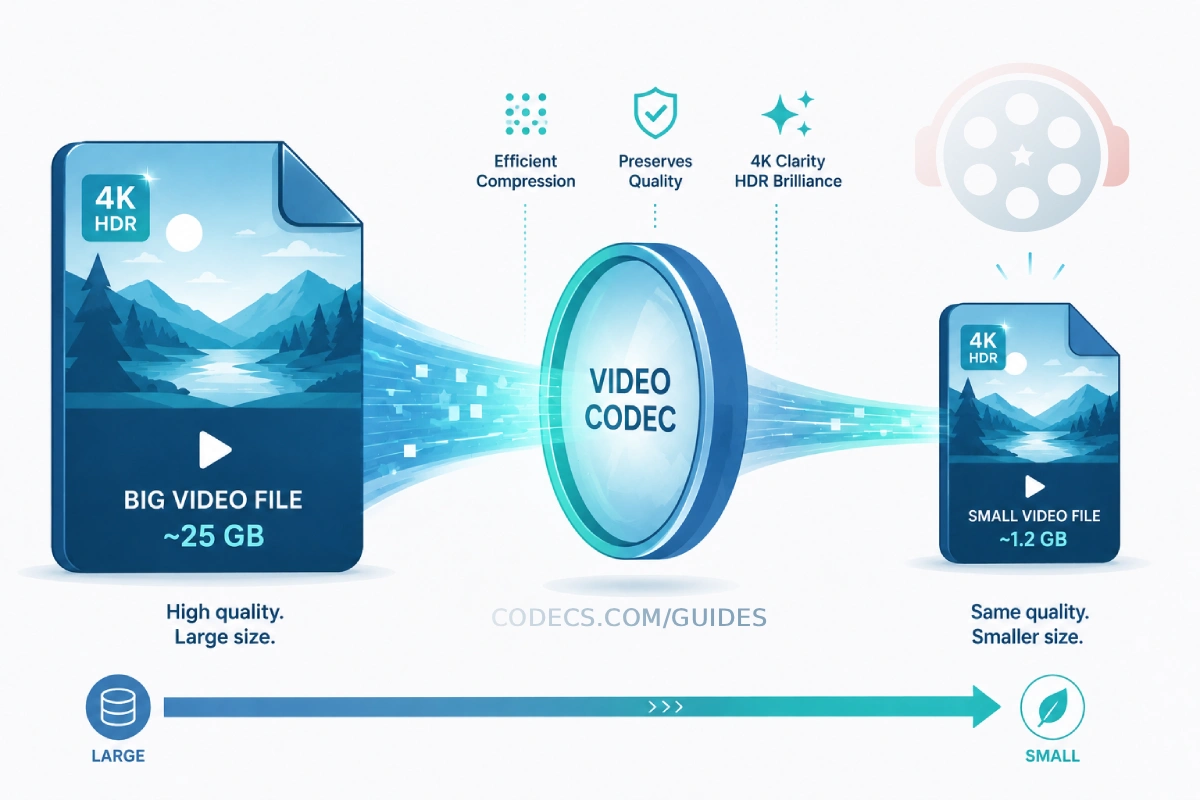
The compression is the headline. AV1 uses roughly 30% less bitrate than HEVC for the same quality, and around 50% less than H.264. That is real bandwidth saved at scale.
Three years ago AV1 was impractical because of slow encoding and thin hardware support. That has flipped.
AV1 now serves the majority of YouTube traffic and a large share of Netflix streams, and most smart TVs and phone chips made since 2022 decode it in hardware.
The remaining gap is older hardware. A device without an AV1 decoder falls back to software decoding, which warms the device and drains battery on long videos.
So the industry still serves AV1 to capable devices and H.264 or HEVC to everything else.
Use it when: bandwidth or storage matters and you control playback, or you are future-proofing a library. To play AV1 on Windows without hardware support, install the AV1 Codec or a bundle that includes it.
Opus: the audio codec doing quiet heavy lifting
Opus Codec rarely gets credit, but it is probably in your day already. It runs Discord voice, most WebRTC calls, and a growing pile of podcast and game audio.
Its trick is range. Opus switches on the fly between optimizing for speech and for music, even inside one stream, at very low latency. That makes it ideal for a podcast with intro music or a game with both chat and a soundtrack.
It also sounds excellent at low bitrates, which is why it is friendly to mobile data. Like VP9 and AV1, it is open and royalty-free.
Use it when: audio quality and real-time performance both matter, or you simply want the best-sounding small audio files available.
So which codec should you pick?
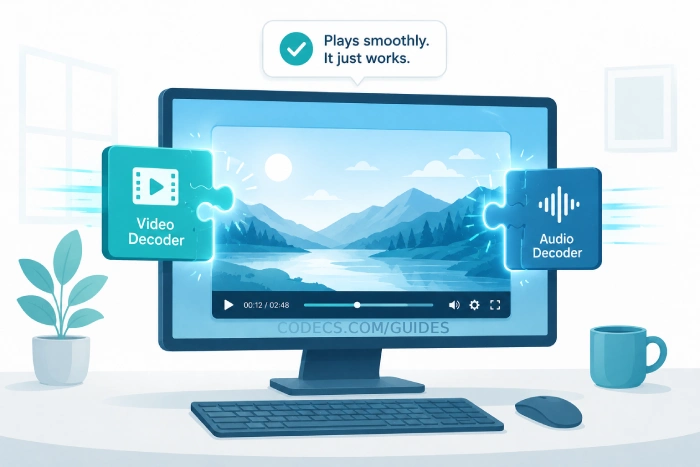
If you are playing media, the honest answer is: you do not need to pick. Install one decoder set and every codec above plays automatically.
If you are encoding, match the codec to the job:
- Maximum compatibility: H.264. It is the universal donor of video.
- 4K quality, smaller files: HEVC, if your devices are modern.
- Web video, no royalties: VP9.
- Best efficiency, future-proofing: AV1.
- Any audio that matters: Opus.
If you want to create Opus files yourself, the X Opus Encoder turns any track into a compact, high-quality Opus file, while the X Audio Converter handles the rest of your formats in between.
The real rule still holds: the best codec is the one your audience can actually play. Cutting-edge efficiency means nothing if the file shows a black screen on the other end.
The simplest setup for playback: if your video opens with sound but no picture, or refuses to open at all, you are almost always missing a decoder rather than a player.
The K-Lite Codec Pack installs the lot in a few minutes and fixes nearly every "won't play" case on Windows.
FAQ
Do I need to install codecs to watch streaming services?
No. Netflix, YouTube, and similar services decode in the browser or app. Codec installs matter for local files you download or store.
Is AV1 better than HEVC?
On pure compression, yes - around 30% smaller at the same quality. HEVC still encodes faster and has slightly wider hardware reach on older devices, so HEVC remains a sensible fallback.
Why does my video have sound but no image?
That is the classic missing-video-decoder symptom, usually HEVC or AV1. Installing LAV Filters or a full codec pack resolves it.
Are royalty-free codecs lower quality?
No. VP9, AV1, and Opus match or beat their patented rivals. "Royalty-free" refers to licensing cost, not quality.


How to Stream With VLC: Open a Stream URL or ...
5/5This is amazing! I could no longer afford cable so I cut the cord and started watching Hulu, Youtube, ...
Read More →Don't Open a .xmpeg File Before Reading This
3/5It's never a good sign when the potential malware you downloaded has the EXACT same filename as the example. ...
Read More →Free Popular IPTV Playlist: Where to Get Fres...
3/5How can you create a DSTV channels on IPTV?
Read More →