You copied your iPhone photos to a Windows PC and got blank thumbnails or a 'can't open this file' error - the photos are fine, Windows just can't read HEIC yet.
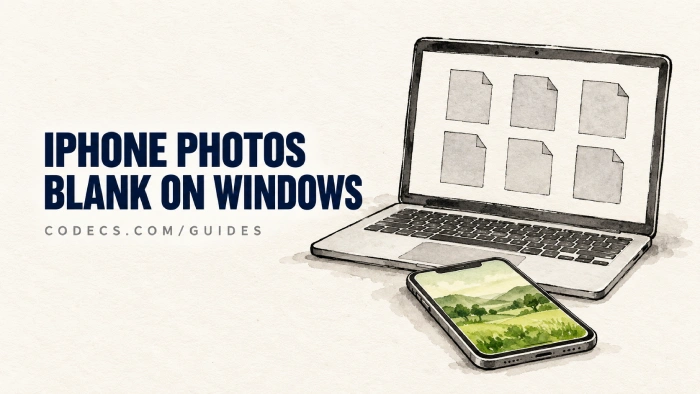
Since iOS 11, iPhones save photos as HEIC by default, because the files are about half the size of a JPEG.
Windows needs two free add-ons to open them, and most PCs ship without them.
Below are the quickest fix on the PC, plus two iPhone settings that stop the problem at the source.
Why It Happens
A HEIC file is a wrapper with an HEVC-compressed picture inside. Windows needs one add-on to read the wrapper and a second one to decode the picture, and missing either one gives you a blank thumbnail.
That is why installing only the HEIF extension often changes nothing. Samsung Galaxy phones cause the same problem when high efficiency pictures are switched on in the camera settings.
The Quick Fix on Windows 11 and 10
- Install HEIF Image Extensions. Get the free HEIF Image Extensions - it teaches Windows to read the HEIC wrapper.
- Install the free HEVC decoder. Add HEVC Video Extensions from Device Manufacturer, the same decoder Microsoft sells for $0.99.
- Restart File Explorer or your PC. Thumbnails appear, and the Photos app opens HEIC files like JPEGs.
Stuck on the HEVC step? Our guide to getting the HEVC extension free shows the hidden Store link.
Want it done in one install?
CopyTrans HEIC is free and adds thumbnails, Photos app support and a right-click Convert to JPEG option. It also lets you insert HEIC photos into Office documents.
Can't use the Microsoft Store at all? WIC for HEIC adds system-wide HEIC support without it.
Stop It on the iPhone Instead
Two settings on the phone decide what format your PC receives. You only need one of them.
- Convert when you copy. Open Settings and find Photos - on newer iPhones it sits under Settings, Apps, Photos - then set Transfer to Mac or PC to Automatic. Photos copied over a USB cable arrive as JPEGs, while the phone keeps the smaller HEIC originals.
- Shoot JPEG from now on. Pick Most Compatible under Settings, Camera, Formats - new photos then take roughly twice the storage.
Still getting HEIC?
The Automatic setting does not cover everything. Photos downloaded from iCloud or synced through cloud apps can still arrive as HEIC, so the Windows fix above is worth having anyway.
On a Samsung Galaxy, open the Camera, tap Settings, then Advanced picture options, and switch off the high efficiency or HEIF pictures toggle - the label changes between One UI versions.
Need JPEGs to Send or Upload?
Many websites and email forms still refuse HEIC, and most browsers other than Safari cannot display it.
For a folder full of photos, XnConvert converts hundreds at once - our XnConvert HEIC guide walks through it. For a few files, the HEIC online converters work right in your browser.
Just Want to Look at the Photos?
PicView opens HEIC out of the box with no extensions to install, on Windows and macOS. IrfanView (with its plugins pack) and XnView handle HEIC too.
Still stuck? Our full guide on opening HEIC and HEIF photos on Windows covers every other fix.
Quick questions
Why do my iPhone photos show blank thumbnails on Windows?
Windows is missing the HEIF and HEVC extensions it needs to read HEIC files. Install both, restart, and the thumbnails appear.
Is HEIF Image Extensions enough on its own?
No. It reads the HEIC wrapper, but the picture inside needs the HEVC decoder as well.
Do I have to pay for the HEVC extension?
No. HEVC Video Extensions from Device Manufacturer is the same decoder, free.
How do I make my iPhone send JPEGs to my PC?
Find Photos in Settings - on newer iPhones it is under Settings, Apps, Photos - and set Transfer to Mac or PC to Automatic. Photos copied over USB are then converted to JPEG.
Does converting HEIC to JPEG lose quality?
A little, as JPEG is a lossy format, but at a high quality setting the difference is very hard to see.
The bottom line
Install the two free extensions and your iPhone photos open like any JPEG. Did it work for you? Let us know.


Latest reviews
How to Stream With VLC: Open a Stream URL or Send Your Own
5/5This is amazing! I could no longer afford cable so I cut the cord and started watching Hulu, Youtube, ...
Don't Open a .xmpeg File Before Reading This
3/5It's never a good sign when the potential malware you downloaded has the EXACT same filename as the example. ...
Free Popular IPTV Playlist: Where to Get Fresh, Legal M3U Li...
3/5How can you create a DSTV channels on IPTV?