PowerToys 0.102 adds two small mouse tools that fix two everyday annoyances on Windows.
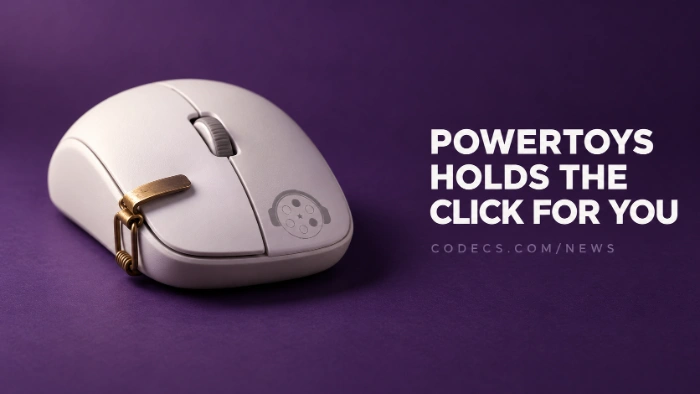
Mouse Button Lock lets you drag without holding the button down, and CursorHide gets the pointer out of the way while you type.
It's a free update, and you can grab PowerToys now. Microsoft announced it in its PowerToys 0.102 release post on 21 October.
Mouse Button Lock: Drag Without Holding On
Click and release a mouse button, and Windows acts as if you're still holding it. Click again to let go.
It's ideal for moving a pile of files, selecting a long block of text or resizing a window across two screens. If long drags make your hand ache, this one is for you.
CursorHide: No More Pointer in Your Way
The pointer disappears while you type, after a pause you choose, or both. Move the mouse, and it's back.
No more pointer sitting on top of the word you're fixing.
Turning them on.
Open PowerToys Settings, find Mouse Button Lock or CursorHide in the list on the left, and switch it on. Both are off until you choose to use them.
The Smaller Changes Worth Knowing
- Command Palette. A new quick-access shelf opens your favourite items with Alt+1 to Alt+9, and you can now search settings.
- ZoomIt. Snip dictation turns what you say into text during a snip, right on your PC.
- FancyZones. Switch window layouts with the mouse wheel.
- Text Extractor and Color Picker. Both now use a newer, more modern look. Text Extractor is still the fastest way to copy text from any picture on screen.
- Keyboard Manager. Remaps can now fire when you tap a key on its own, and long remap lists are searchable.
New to the suite? Our guide to what PowerToys can do covers the tools most people end up using daily.
How to Update
If PowerToys is already installed, open its Settings, go to General and check for updates. If not, download the installer from our PowerToys page - it's free, with no account needed.
For full screen recording and quick screenshot editing, ShareX is a free tool that works well alongside it.
Quick questions
What's new in PowerToys 0.102?
Two new mouse tools, Mouse Button Lock and CursorHide, plus a quick-access shelf in Command Palette, snip dictation in ZoomIt and mouse-wheel layout switching in FancyZones.
How do I drag without holding the mouse button on Windows?
Install PowerToys 0.102 or later and turn on Mouse Button Lock. One click holds the button down, and the next click lets go.
How do I hide the mouse pointer while typing?
Turn on CursorHide in PowerToys. It hides the pointer while you type or after a pause, and it comes back as soon as you move the mouse.
Is PowerToys free and safe?
Yes. PowerToys is made by Microsoft, it's free and open source, and it doesn't need an account.
PowerToys 0.102 is a small update with two genuinely handy mouse fixes - worth the two-minute install.
Get the latest PowerToys, or tell us which PowerToys tool you use most.


Latest news comments
AllInteresting development with the Fire TV Stick 4K — losing Kodi sideloading is a big deal for a lot of users. For those ...
News: The New Fire TV Stick 4K Can't Run Kodi - Here's Which Fire Stick Still Can 3 commentsBrave just enabled it by default for stable users yesterday (1.97). Not specified is chromeOS will be passively gaining decode capability too, and ...
Team replied News: JPEG XL Is Back in Chrome: What It Means and How to Open JXL Files 1 commentI didn't know it was EU, AND france. That doesn't sound like a good idea. Related to coding or privacy.
News: Meet Qwant: The Private, EU-Built Alternative to Google 1 comment