Light Image Resizer, a popular tool for resizing and converting images, has just released version 7.0.7, bringing exciting new features for Windows 11 users.
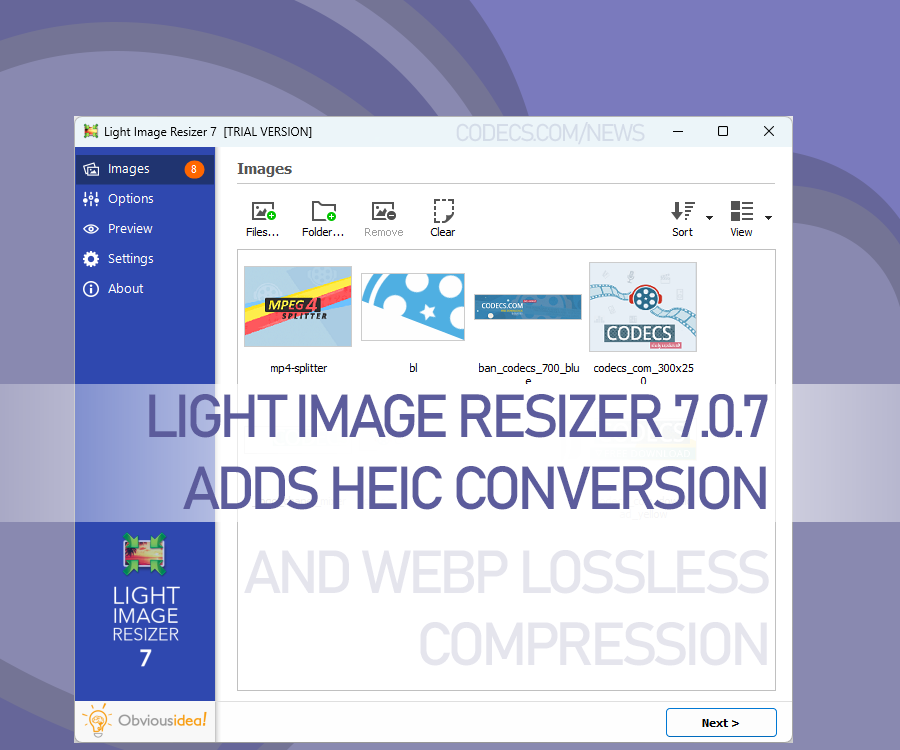
Key highlights include context menu integration, allowing quick image resizing directly from the file explorer.
A brand-new Light Image Editor is now included, offering options like adding text, highlights, blur, shapes, and more.
The update also introduces improved profiles, with simplified names like "1k," "2k," and "4k" for easy resizing, plus a file size target option. These profiles can sync via OneDrive, making them accessible across devices.
Other standout features include HEIC format support, lossless WebP compression, advanced watermark options, and OCR integration for searchable JPEGs and PDFs.
Also, users can now split long images for PDF creation and benefit from improved metadata handling, with new text append options and watermark samples included.
Light Image Resizer 7.0.7 is packed with tools to enhance image editing and management.


Latest reviews
AllHow to Stream With VLC: Open a Stream URL or Send Your Own
5/5This is amazing! I could no longer afford cable so I cut the cord and started watching Hulu, Youtube, ...
Don't Open a .xmpeg File Before Reading This
3/5It's never a good sign when the potential malware you downloaded has the EXACT same filename as the example. ...
Free Popular IPTV Playlist: Where to Get Fresh, Legal M3U Li...
3/5How can you create a DSTV channels on IPTV?