Today marks the release of Topaz Video AI 5.1, bringing several major updates.
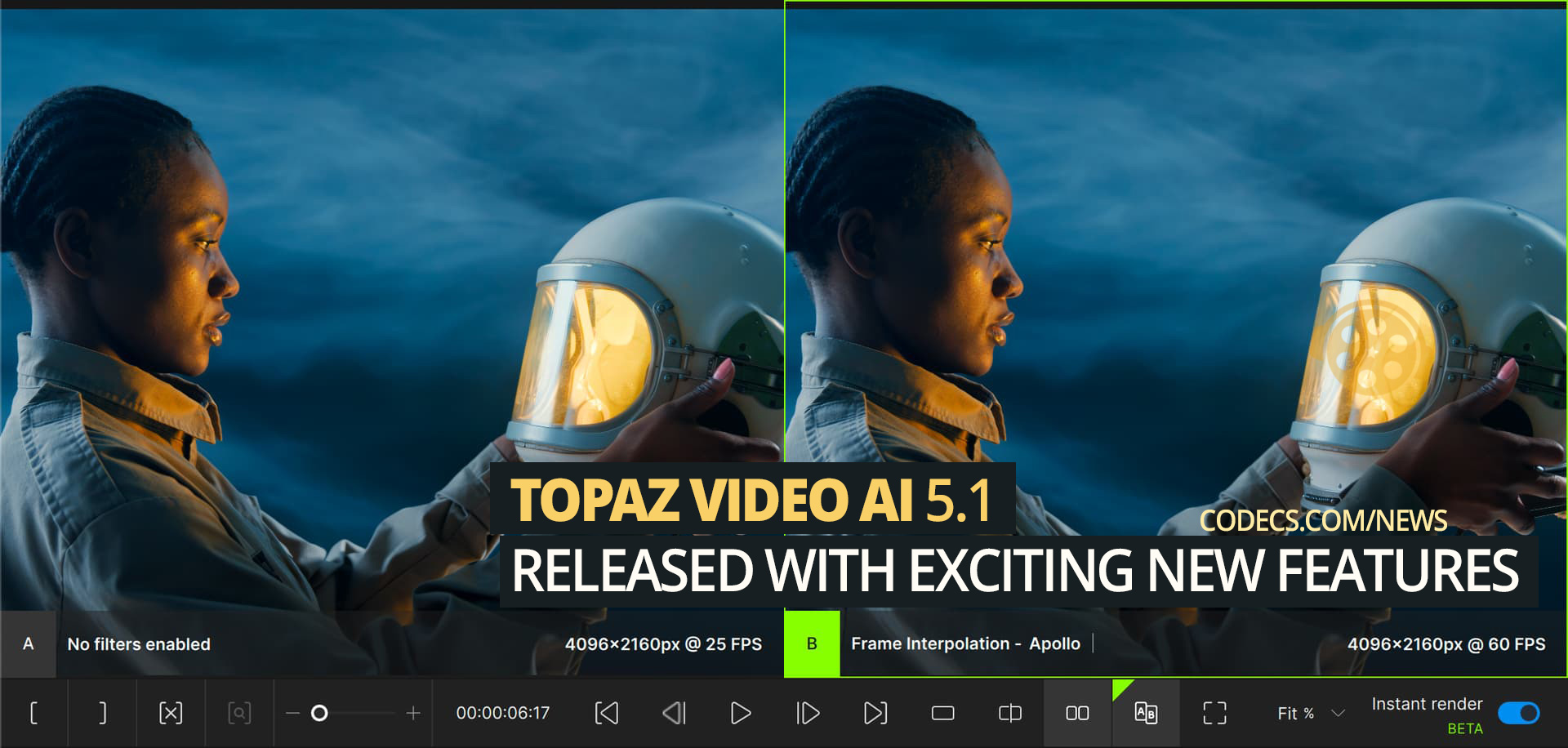
Instant Rendering (Experimental)
Video AI now renders previews instantly when you click ‘Play’. This makes the timeline more interactive and allows for quicker model comparisons.
Frame Interpolation for DaVinci Resolve OFX (macOS + Windows)
Access Apollo, Aion, and Chronos directly in DaVinci Resolve. Convert videos to slow motion with up to 16x interpolation and use Resolve’s retiming controls for smooth speed-ramping. Follow the guide to get started.
New Multi-GPU Options (Video AI Pro)
Video AI now features two multi-GPU modes. The updated “Single video” mode supports NVIDIA cards with TensorRT models, enhancing utilization for systems with 2+ NVIDIA cards. The “Multiple videos” mode is optimized for large export queues on multi-GPU systems. More details on this feature will be available in June.
New Welcome Screen
Quickly reopen projects and resume renders with the new Welcome Page. It also allows you to select favorites for easy access.
Preferences UI Refresh
The new preferences sidebar offers expanded categories and new tooltips, making navigation easier.
Colorspace Settings Added to Video Input Options
Set custom colorspace, color primaries, color TRC, and color range for video inputs with metadata issues.


Free Popular IPTV Playlist: Where to Get Fres...
5/5Very good👍👍❤❤
Read More →How to Download HEVC Video Extension for Free
5/5its works! thank you all!
Read More →How to Use Helium Audio Converter: Convert An...
5/5@levi Yes, it works offline, it's a desktop software.
Read More →