Start11 v3 is out as a release preview, and it puts widgets inside the Windows 11 Start menu and turns the taskbar into rounded, Mac-style "islands".
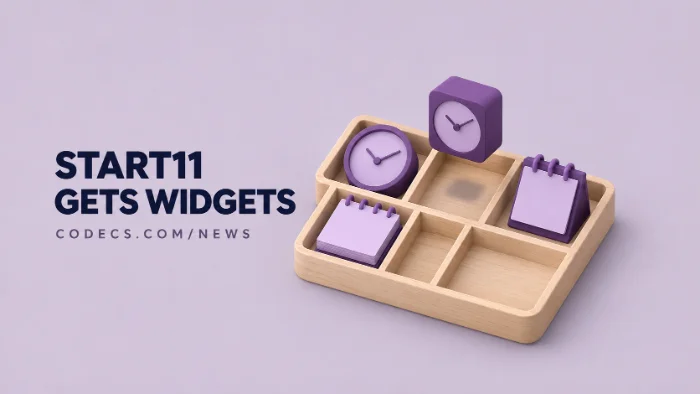
It's paid software from Stardock, currently $8 instead of $10 while the preview lasts, with a free trial to try first.
Here's what's new, who it's worth paying for, and the free tweaks that cover the basics.
What's New in Start11 v3
- Widgets in Start. More than 20 small widgets, including calendars, clocks, notes and system monitors, sit right in the Start menu.
- Taskbar Islands. The taskbar breaks into rounded, dock-like groups that work centred or left-aligned.
- App groups. Hold Alt and drag apps together to group them, then pin a group as a workspace that opens several apps at once.
- A new taskbar More button. It gathers recently closed apps, overflow icons and taskbar tools in one place.
- Shareable Start layouts. Share your Start menu pages and browse a gallery of community Start button designs.
Windows Central liked the overall look, but called the widgets "fairly straightforward" and said some feel more like a proof of concept.
Price, Trial and Who Can Get It
Stardock says v3 costs $8 during the release preview, down from $10, and it's also part of the Object Desktop suite. Stardock's own pages call it a release preview and a beta, and give no final release date.
Stardock offers an annual licence and a permanent one, each for up to five PCs, and a free trial from its site. Current Start11 owners can check the upgrade price on the product page.
Preview means preview:
Start11 changes how the taskbar and Start menu work, so expect some rough edges. Try it on a PC you use every day only after the trial has run smoothly for a while.
Who Should Pay for It
- Worth it if you want a Windows 7 or Windows 10 style Start menu back, or you like the dock look of macOS.
- Worth it if you juggle the same set of apps every day, because app groups and workspaces save real clicks.
- Skip it if you only want Start to stop showing ads and suggestions - Windows 11 can do that itself.
The Free Way to a Cleaner Start Menu
Before you pay, try the built-in settings. Our guide to cleaning up the Windows 11 Start menu shows how to hide Recommended and switch off app suggestions in two minutes.
If you mainly open Start to launch apps, the free Microsoft PowerToys adds Command Palette, a fast search-and-launch box. To clear out preinstalled apps you never use, FluentTweaker removes them in one go.
Quick questions
Is Start11 v3 free?
No. It costs $8 during the release preview, normally $10, and Stardock offers a free trial first.
Does Start11 work on Windows 10?
Yes. Stardock lists Windows 10 and Windows 11 as supported.
Is Start11 v3 finished?
Not yet. Stardock calls it a release preview and a beta, and has not given a final release date.
Can Windows 11 add widgets to the Start menu by itself?
No. Windows 11 keeps widgets in a separate board on the taskbar, so Start11 is the way to put them inside Start.
How do I go back to the normal Start menu?
Turn Start11 off in its settings or uninstall it from Settings > Apps > Installed apps, and Windows restores its own Start menu.
The bottom line
Start11 v3 is the most ambitious Start menu tool yet, and $8 is fair if you want widgets, a dock-style taskbar or app workspaces. If you just want a tidier Start, the free settings get you most of the way.


Latest news comments
What readers are saying AllI was having the same error issue with the dead playlist link the other guy above did. Thank you so much for ...
Team replied News: Free USA IPTV Playlist: The American TV That Is Really Free 2 commentsInteresting development with the Fire TV Stick 4K — losing Kodi sideloading is a big deal for a lot of users. For those ...
News: The New Fire TV Stick 4K Can't Run Kodi - Here's Which Fire Stick Still Can 3 commentsBrave just enabled it by default for stable users yesterday (1.97). Not specified is chromeOS will be passively gaining decode capability too, and ...
Team replied News: JPEG XL Is Back in Chrome: What It Means and How to Open JXL Files 1 comment